Hand-Drawn Sketches to Laser-Ready Cut & Engrave SVG
Inspect true red laser wireframe contours live in Cut Path View, remove stray burn speckles, and export crisp closed vectors directly from your browser.
Upload a sketch to start tracing
Cut-ready closed SVG paths compatible with your favorite craft & laser software
From Paper to Physical Product
Built for Real Blades, Lasers & Print
Ordinary auto-tracers turn paper grain and camera shadows into hundreds of tiny jagged dots. Haloa SVG prioritizes smooth, cut-ready contours you can inspect before exporting.
 Ceramic Mug Decal
Botanical Sketch → Mug Decal
Phone photo on warm paper with diagonal shadow cleaned into smooth closed curves for Cricut vinyl cutting.
Zero stray speckles · Ready for HTV & adhesive vinyl
 Basswood Coaster
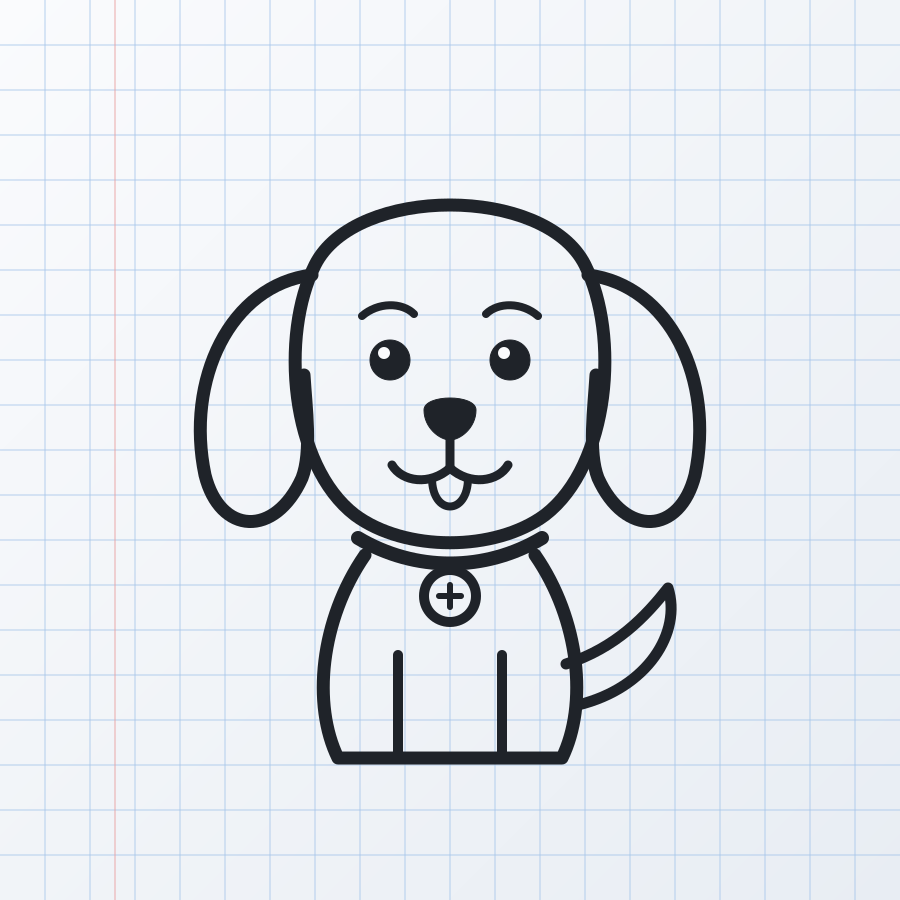
Notebook Puppy → Wood Coaster
Blue notebook grid lines dropped cleanly so LightBurn & xTool engrave crisp outlines onto basswood.
Verified in Cut Path View · Clean closed paths
 Digital Watermark
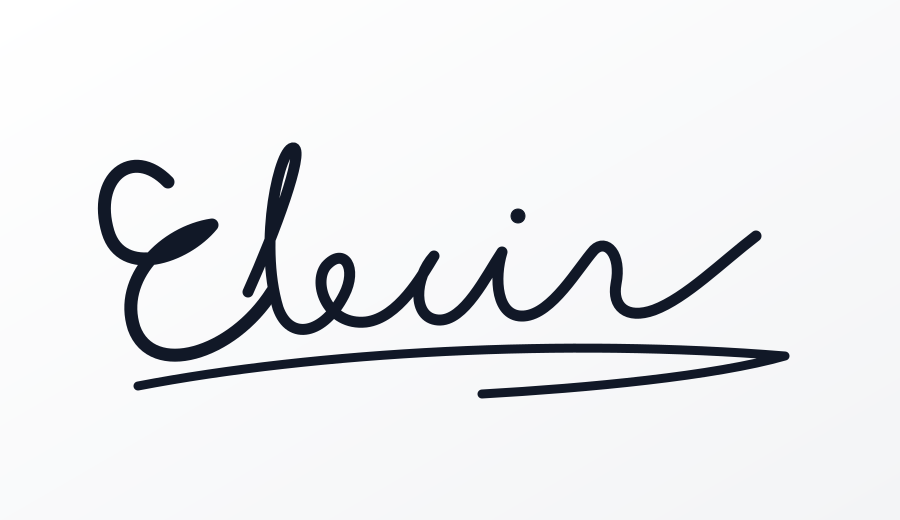
Paper Signature → Crisp Stamp
Handwritten ink on plain white paper turned into a scalable transparent SVG & PNG for PDFs and branding.
100% local in browser · Private by design
Simple One-Time Pricing
Free Local Tracing Forever. Pay Only for AI Cleanup.
No monthly subscriptions. Buy a credit pack once and use your AI Pro Cleanup credits whenever you need to rescue shadowed or gridded paper sketches.
Free
No Login NeededIdeal for clean scans, iPad line art, and white-paper signatures.
- ✓ Unlimited Fast Local Trace in browser (100% private)
- ✓ Real-time Threshold, Despeckle, Smoothness & Invert
- ✓ Cut Path View (red wireframe) + SVG & Transparent PNG export
- ✓ 1 Free AI Pro Cleanup credit when you sign in
Starter Pack
Most PopularFor Cricut & laser hobbyists turning phone photos into clean cut files.
- ✓ 50 AI Pro Cleanup credits (~$0.20 / sketch)
- ✓ Erase camera shadows, notebook grids & pencil smudges
- ✓ Credits never expire · Auto-refund on failed runs
- ✓ 300DPI Print-Ready PDF export + Commercial License
Maker Pack
Best ValueBuilt for Etsy shops, laser small businesses & Amazon KDP sellers.
- ✓ 150 AI Pro Cleanup credits (~$0.13 / sketch)
- ✓ Everything in Starter Pack included
- ✓ Credits never expire · Zero recurring billing
- ✓ Full Commercial License for Etsy, KDP & client work
FAQ
Frequently Asked Questions
Will the exported SVG import cleanly into Cricut Design Space & Silhouette Studio?
Yes. Haloa SVG outputs clean, closed compound SVG paths with a proper viewBox and minimal anchor nodes so Cricut Design Space, Silhouette Studio, and Glowforge import them at crisp scale without jagged micro-cuts.
How do I avoid tiny laser-burning speckles or blade snags?
Use the Despeckle slider to filter out stray paper dust and switch on Cut Path View (red wireframe) to inspect every single contour before exporting. For heavily shadowed phone photos, AI Pro Cleanup erases paper texture and grid lines first.
Can I use the generated SVG files commercially on Etsy or Amazon KDP?
Yes. You keep 100% ownership of your original artwork and exported vectors. Commercial use is permitted for physical crafts, vinyl decals, laser-engraved products, and digital books, provided you hold the rights to the source drawing.
Are my hand-drawn sketches uploaded to a server?
In Fast Local Trace mode, never. Everything—including iPhone HEIC decoding and vector tracing—runs 100% inside your browser. Your files never leave your device. Optional AI Pro Cleanup files are auto-deleted within 24 hours.
Do purchased AI Cleanup credits expire?
No. Starter Pack and Maker Pack are one-time purchases with zero subscriptions. Your credits stay in your account until you use them, and failed AI runs are automatically refunded.